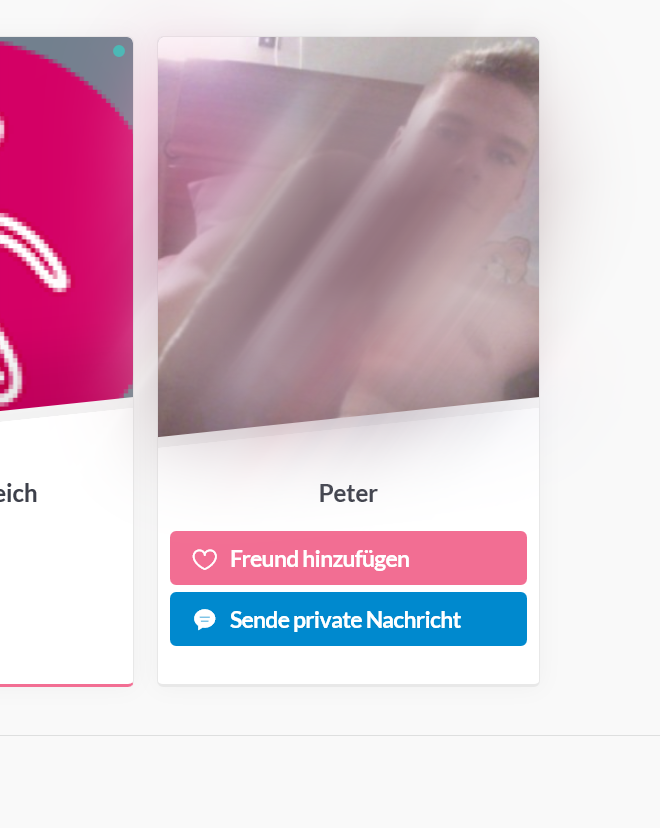
By default, if you want the age, city and country displayed on the members cards, your profile fields need to be named exactly like this:
Birthdate
City
Country
To check the name of your fields, you can go to Users > Profile Fields in your website admin.
If you want to change the name of these fields and still display them, please let us know the exact name of the fields and we can provide you with a code snippet to display them.
On the other hand, please be aware that the demo content you have imported matches the content of our basic demo: https://basic.gwangi-theme.com
If you want to find out how to create the contact page, we recommend that you visit this article of our documentation:
You're trying to setup your theme but you're experiencing errors when importing the demo content? Or you've just followed the setup guide but your website doesn't look exactly like our demo? These are common issues for which you can find easy and quick fixes.
Happy With our Support So Far?
Feel free to review our theme on Themeforest! It helps us making our products more known to new potential customers, which allow us more time to improve the quality and develop new features. #SharingIsCaring ❤️
Discover MatchPress
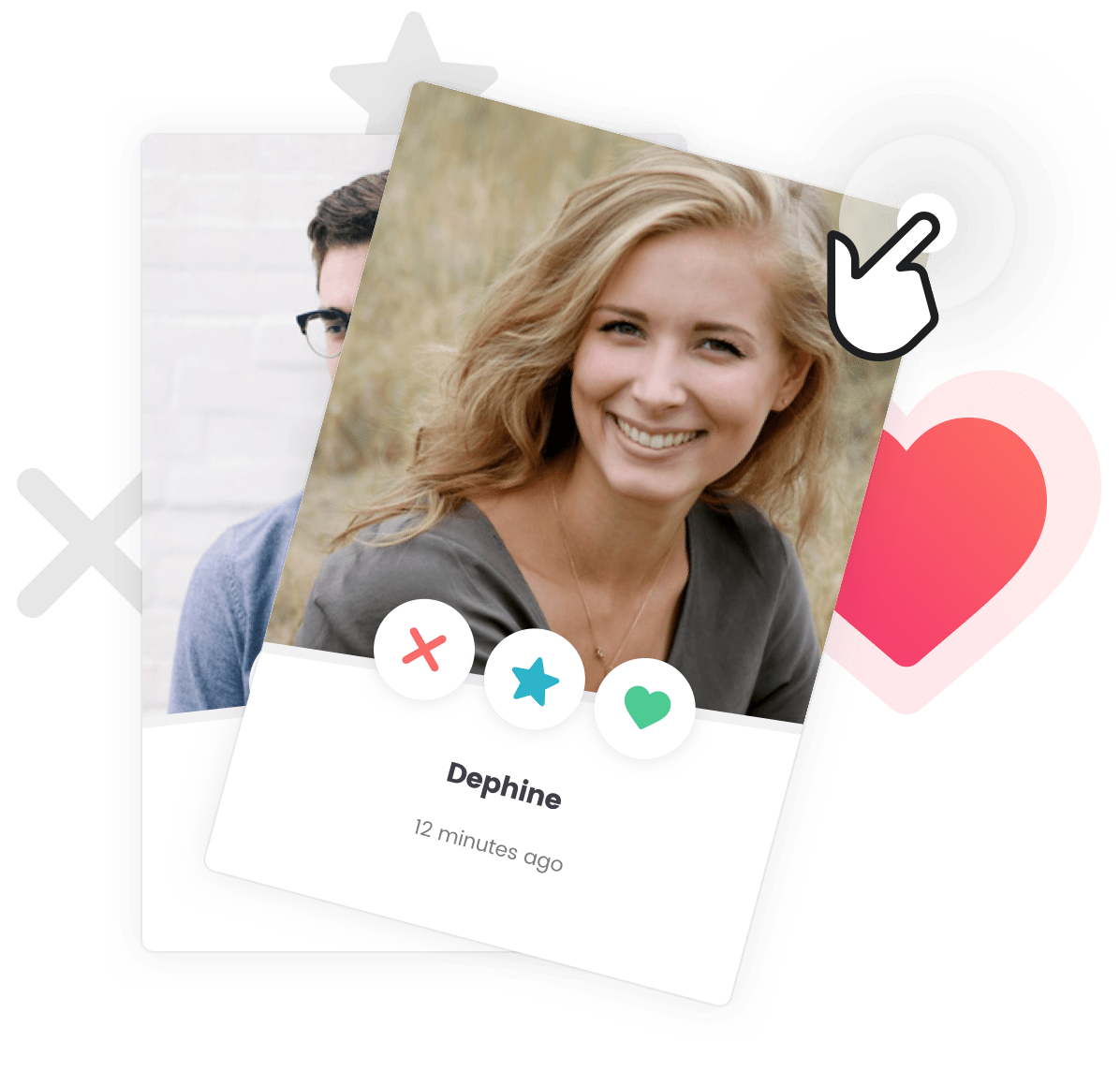
Skip • Like • Super-Like
Add powerful matching features like Member likes, skips, super likes, conditional private messaging and much more.
Setup Your Cera or Gwangi powered Community Website and Turn it into an iOS and Android App
15% discount for Cera users
To unleash the full power of your Cera or Gwangi theme, we have partnered with the Zipline team. Your community website can now be fully setup and turned into your very own custom app for iOS and Android.
Whether you've newly acquired the theme or already got your site up and running, Zipline got you covered. And we got you an incredible discount.
 .
.